Let’s be honest: when you need to find something, your first instinct is to “just Google it.” And for finding a hostel mess menu or the latest movie timings, that works perfectly.
But here’s something most students figure out a little too late — when it comes to assignments, projects, and serious research, a normal search throws a mix of ads, blog posts, and random opinions at you. The actual gold (peer-reviewed papers, verified facts, clean study material) is often buried, or sitting in places a regular search never shows you.
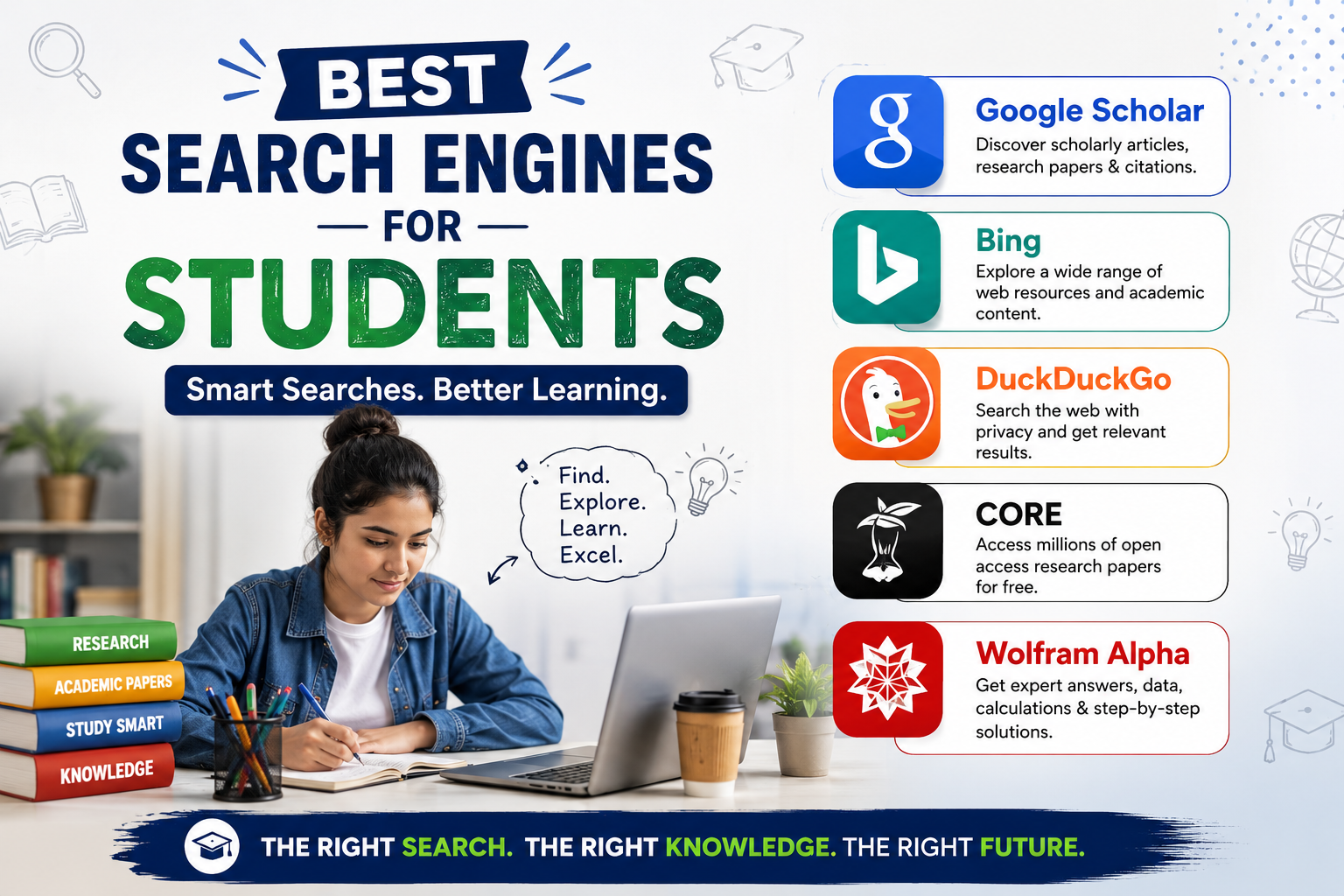
The good news? There are search engines built for exactly what students need. Some protect your privacy, some hand you straight answers, and some unlock millions of academic papers for free. Here are the 5 best search engines for students in 2026, and exactly when to use each one.
1. Google Scholar — Your Go-To for Assignments and Research
If you only add one new search engine to your study routine, make it this one. Google Scholar is a free search engine that indexes scholarly literature — journal articles, theses, conference papers, books, and citations — across almost every subject.
Why students love it:
- It pulls up peer-reviewed, citable sources, not random blogs, so your references actually hold up when a professor checks them.
- The “Cite” button generates ready-made citations in APA, MLA, and other formats — a huge time-saver when you’re finishing a report at 2 a.m.
- The “Cited by” feature shows you how many others have referenced a paper, which is a quick way to judge whether a source is trustworthy.
Best for: Writing assignments, project reports, dissertations, and anything that needs proper citations.
Pro tip: Look for the “[PDF]” link on the right side of a result — that’s often a free full-text version of a paper that would otherwise sit behind a paywall.
2. Bing — Underrated, and It Literally Pays Students
Microsoft Bing is the search engine most students ignore, and that’s a mistake for two practical reasons.
First, it comes with built-in AI (Microsoft Copilot) that gives you direct, conversational answers along with sources you can click to verify — handy when you’re trying to understand a tricky concept fast.
Second, and this is the part students actually care about: Microsoft Rewards lets you earn points just for searching with Bing, which you can redeem for gift cards and vouchers. If you’re already searching all day, you may as well earn something for it.
Best for: Everyday searches, quick AI explanations, and earning a little side reward while you study.
3. DuckDuckGo — For Private, Distraction-Free Searching
Ever searched for one product and then seen ads for it follow you across every app for a week? That’s tracking, and DuckDuckGo is built to stop it.
DuckDuckGo doesn’t track your searches or build a profile on you. For students, that means:
- Cleaner results without a feed of targeted ads pulling your attention away.
- Your research history stays private — useful when you’re on a shared computer in the library or computer lab.
- Less of the “filter bubble,” so you see straighter results rather than what an algorithm thinks you want.
Best for: Privacy-conscious students, shared or public computers, and anyone who wants fewer distractions while researching.
4. CORE — Millions of Free Research Papers in One Place
Here’s a frustration every student knows: you find the perfect paper for your project, click it, and hit a “Pay $39.99 to access” wall. CORE exists to solve exactly that.
CORE is one of the world’s largest collections of open-access research papers, pulling together tens of millions of free, full-text documents from university repositories and journals around the globe. Everything on it is meant to be freely readable — no paywalls, no payment.
Best for: Finding free, full-text academic papers, theses, and research when you don’t have a university subscription or just don’t want to pay.
Pro tip: Pair CORE with Google Scholar. Use Scholar to discover what’s out there, then search CORE to grab a free copy of the paper.
5. Wolfram Alpha — The “Search Engine” That Actually Does Your Math
This one’s different from everything else on the list. Wolfram Alpha isn’t a traditional search engine that gives you links — it’s a computational engine that calculates answers.
Type in a maths problem, a chemistry equation, a physics formula, or a statistics question, and it doesn’t just find an answer somewhere — it works it out and often shows you the steps. For students in engineering, science, commerce, and maths-heavy courses, it’s like having a calculator and a tutor rolled into one.
It can handle:
- Algebra, calculus, and step-by-step equation solving
- Statistics and data calculations
- Chemistry, physics, and unit conversions
- Quick factual data (populations, distances, comparisons)
Best for: Solving and checking maths, science, and engineering problems — and understanding how the answer was reached, not just what it is.
Quick Guide: Which Search Engine Should You Use?
| If you need to… | Use this |
|---|---|
| Find citable sources for an assignment | Google Scholar |
| Search daily and earn rewards | Bing |
| Search privately without tracking | DuckDuckGo |
| Get free full-text research papers | CORE |
| Solve or check maths and science problems | Wolfram Alpha |
Final Thoughts
You don’t have to abandon your favourite search engine — but knowing the right tool for the right task is a genuine student superpower. Use Google Scholar and CORE when marks are on the line, lean on Wolfram Alpha when the numbers get scary, switch to DuckDuckGo when you want privacy, and let Bing reward you for the searching you’re already doing.
Master these five, and you’ll spend less time hunting and more time actually learning, which is what gets you ahead.
Which search engine are you going to try first? Bookmark this list and share it with a friend who’s still “just Googling” everything.
For more study tips, exam resources, and student guides, keep exploring Campus Freshers.